

smart doorbell camera setups have changed the way homeowners approach security by offering real-time monitoring, easy installation, and smart integrations right at your front door.
Key Takeaways
- Smart doorbell cameras are effective deterrents, but real-world prevention rates and long-term impact remain unproven in most 2024 crime data.
- Privacy concerns and ongoing subscription costs are key issues to assess before buying any wireless doorbell cam.
- Choose models that offer local storage options and seamless smart home integration to maximize usability and security.
- What Is a Smart Doorbell Camera and Why Use One?
- How to Install and Set Up a Smart Doorbell Camera: Step-by-Step
- Advanced Analysis and Common Pitfalls of Smart Doorbell Cameras
- Conclusion
- Frequently Asked Questions
What Is a Smart Doorbell Camera and Why Use One?
A smart doorbell camera combines a traditional doorbell with a built-in high-definition video camera, motion sensors, and wireless connectivity. When someone approaches your door, you receive a video alert on your phone or smart device—even if you’re not home. Two-way audio enables direct interaction, while night vision and wide-angle lenses offer all-day coverage. Integration with voice assistants or automation systems allows for further flexibility and control. These devices offer a practical layer of security and visibility for busy households and frequent online shoppers.
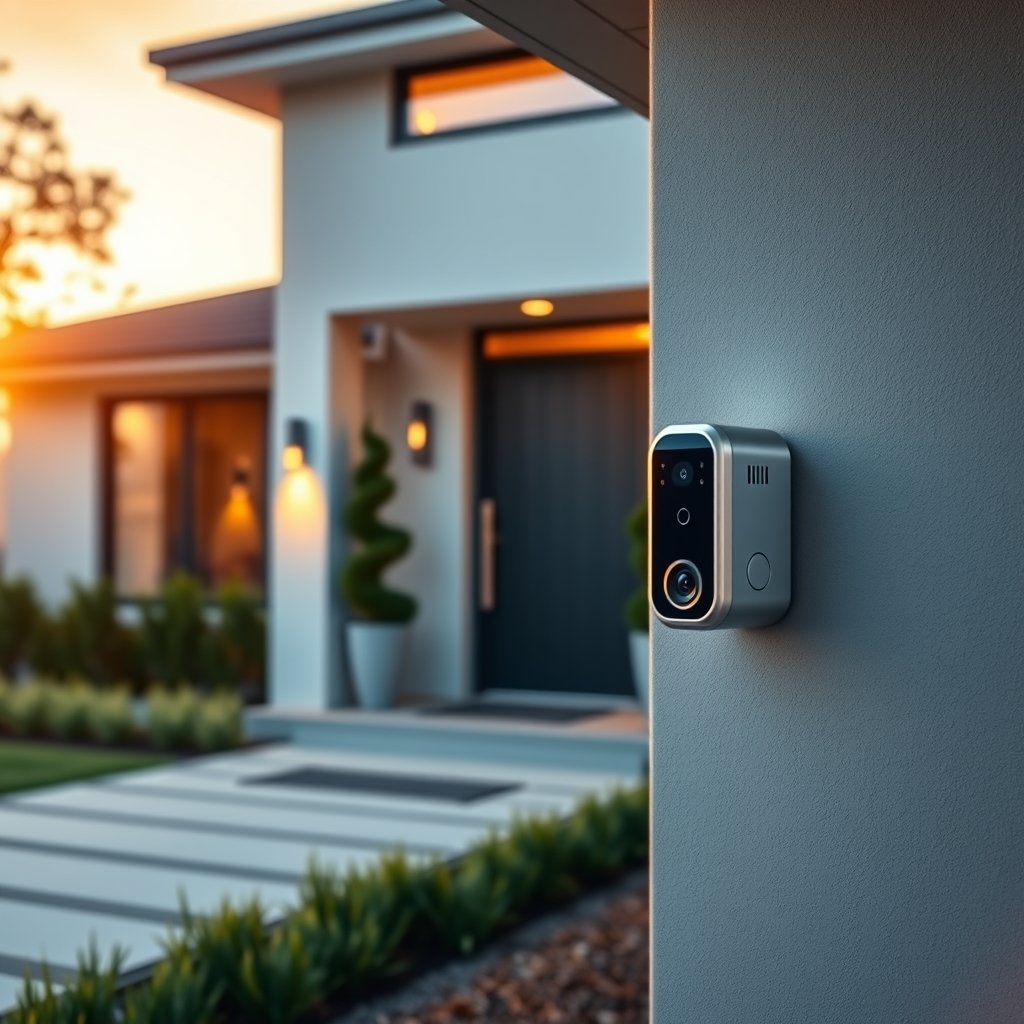
Smart doorbell cameras appeal to homeowners wanting instant notifications of visitors, package deliveries, and suspicious activity. If you want to avoid the commitment or high upfront costs of a full security system, a video doorbell offers a streamlined, easy-to-install alternative. Recent burglary statistics note that while overall 2024 numbers remain high, visible outdoor cameras act as deterrents—even though hard prevention rates for smart doorbells specifically are not yet available.
Leading smart doorbell camera features include:
- 1080p or higher video resolution with a 140-degree+ field of view
- Infrared night vision for crisp low-light images
- Motion-triggered video recording and instant alerts
- Wireless or battery-powered options for easy installation
- Two-way audio for direct communication
- local storage and/or cloud storage choices
- Integration with smart home devices, platforms, and automation routines
How to Install and Set Up a Smart Doorbell Camera: Step-by-Step
Installing a smart doorbell camera is usually straightforward, but for the best results—and to avoid connectivity, power, or compatibility issues—follow this actionable guide.
- Select Your Model and Storage Plan: Choose between wired or battery-powered options, and decide if you prefer local SD card storage, cloud archiving, or both. Local storage means no recurring fees (and better privacy); cloud options enable remote playback from anywhere.
- Gather Tools: Typically, a screwdriver, drill (for masonry or stucco), and your smartphone are all that’s needed. Most kits include mounting plates and screws.
- Kill the Power (If Hardwired): For mechanical or powered doorbells, turn off electricity at the breaker before removing your existing unit.
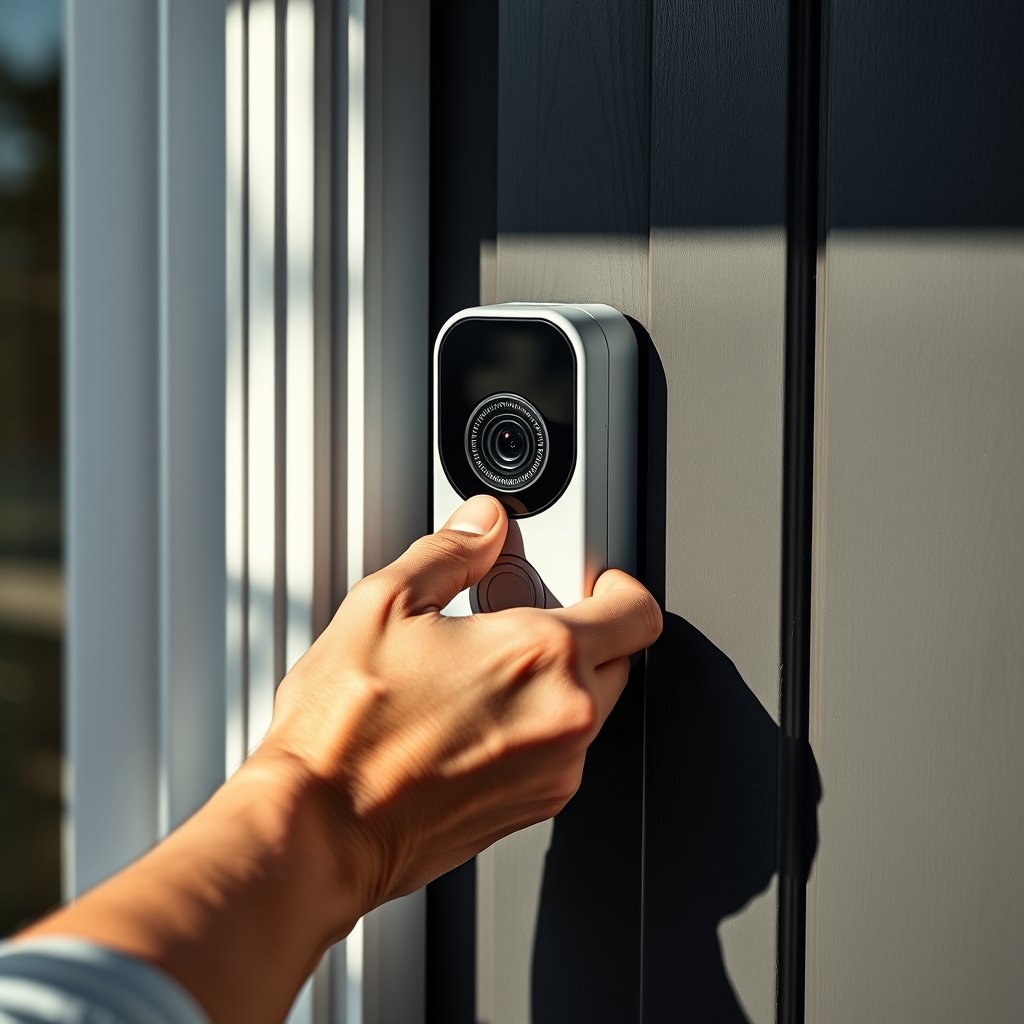
- Mount the Plate: Attach the bracket using the provided hardware. Use angled wedges (usually included) to maximize your field of view.
- Connect Wires or Battery: Attach the wiring (if hardwired) or click in the battery module. Follow specific manufacturer steps for power or charging.
- Download the App and Scan the QR Code: Activate your device via the official app. The QR code on the camera or packaging links the device to your account for setup.
- Sync to WiFi: Choose a strong 2.4GHz WiFi network. Complete connection via the app, following on-screen prompts. If prompted, allow app permissions for microphone, camera, and notifications.
- Customize Alerts, Zones, and Integrations: Use the app to adjust motion detection sensitivity and set alert zones. Integrate with automation systems (like Alexa, Google Home, Zigbee or Z-Wave) for advanced control. For eco-conscious upgrades, consider using native pollinator gardens or a durable epoxy floor coating to enhance your home’s curb appeal and utility as well.
- Test Audio and Video Quality: Ring the bell, check night vision clarity, and initiate two-way talk to verify both image and sound function properly.
- Secure and Update Regularly: Change factory default passwords immediately. Enable two-factor authentication if available, and keep firmware up to date for maximum security.
For homes undergoing larger upgrades, smart doorbells work well alongside systems like greywater recycling for sustainable living or mini split AC installations to boost comfort and energy efficiency.
Advanced Analysis and Common Pitfalls of Smart Doorbell Cameras
Smart doorbell cameras are not foolproof, and a number of pitfalls surface among both first-time users and experienced homeowners. Here’s what you won’t find in most buying guides.
- Privacy and Data Concerns: According to a 2024 survey, 87% of Americans are unclear about how doorbell companies use their recorded videos and data. 93% would avoid buying a cam if the manufacturer sold data to third parties. Always review privacy and data policies before committing.
- False Alerts and Notification Fatigue: While most brands promise “advanced AI filtering,” wind, car lights, or pets still trigger false alerts. Poorly set sensitivity settings often overwhelm users with frequent, unnecessary pings.
- Subscription Fees and Hidden Costs: Most reputable models offer cloud video storage only with ongoing subscription fees (usually $3–$15 per month). Local storage avoids this cost, but may be less convenient for remote access.
- Battery and Connectivity Problems: Battery-powered models typically last 2–6 months per charge, but cold weather, heavy activity, or weak WiFi can drain batteries faster. Wired models avoid this but require installation access to existing electrical wiring.
- Status of Deterrence and Evidence: Several high-profile studies claim burglary drops in targeted neighborhoods after mass adoption. Yet broader 2023 and 2024 statistics are less clear, suggesting deterrence varies by model, placement, and criminal adaptation.
- Automation and Compatibility Gaps: Many articles skip practical details about integrating with home automation systems. Choose smart doorbell cameras with open standards (such as Zigbee or Z-Wave) for best compatibility with smart light switches, thermostats, and other connected home devices.
- No Major Hacking Incidents (2024): Major brands currently show no large-scale breaches, but IoT hacking risk persists. Keep software updated and use strong, unique passwords for your security devices.
- Installation Challenges: Most users find installation simple, especially with wireless models. However, if you choose a device requiring professional setup (like Vivint), expect potentially higher costs and more complex integration steps.
| Feature | Cloud Storage | Local Storage |
|---|---|---|
| Monthly Cost | Typically $3 – $15 | Free (with SD card purchase) |
| Remote Access | Unlimited (via app/website) | Limited (local WiFi or manual retrieval) |
| Privacy Level | Lower, unless encrypted/policy details are clear | Higher, data stays at home |
| Setup Difficulty | Easy, automatic | Moderate, requires SD card management |
For those maximizing their smart home, pairing with a smart light switch allows programmable lighting scenes based on video doorbell triggers. Or for the ultimate dual-use space, see how a Murphy bed desk combo can streamline your home office and guest room together.
Conclusion
Smart doorbell cameras deliver powerful home security benefits: easy installation, sharp video coverage, and peace of mind—when properly chosen and set up. They are not perfect, with privacy, fees, and connectivity as main pain points, but a smart approach helps avoid most pitfalls. Ready to see what a smart doorbell camera can do for you? Evaluate your priorities, compare storage and integration options, and upgrade your home’s front entry security today.
Frequently Asked Questions
Do smart doorbell cameras really prevent burglaries?
Visible cameras, including smart doorbell models, are shown to deter some criminals. However, no 2024-wide statistics can directly confirm overall burglary prevention rates. Some studies show reduced crime in specific neighborhoods, but results may vary by location and installation.
Are there hidden costs with smart doorbell cameras?
Cloud video storage and ongoing monitoring often require monthly fees. Local storage avoids these fees but may limit online video access. Always read the fine print for installation and integration fees, especially with professional smart home systems.
How secure are popular video doorbell brands?
No major breaches were reported for leading doorbell brands like Ring or Nest between 2024 and mid-2026. That said, all networked devices carry some hacking risk. Use strong passwords, update software, and review company policies for added security.
Can doorbell cameras work with my smart home system?
Most major brands offer integrations with voice assistants (Alexa, Google Assistant) and smart home protocols like Zigbee or Z-Wave. Check compatibility with your other devices before purchasing for seamless automation and control.
What is the typical video quality for smart doorbell cameras?
Look for a minimum of 1080p HD resolution and at least a 140-degree field of view for best coverage. Enhanced night vision and high dynamic range features produce clearer images in more lighting situations.